
EMF Accessories for Connected Homes
EMF Protection for Wi‑Fi Routers
Discover Safe Connect Plus Mega Shields, compact adhesive accessories available in a variety of designs for compatible Wi‑Fi routers. Explore the collection and find a style that complements your home or office setup.





Multiple designs available
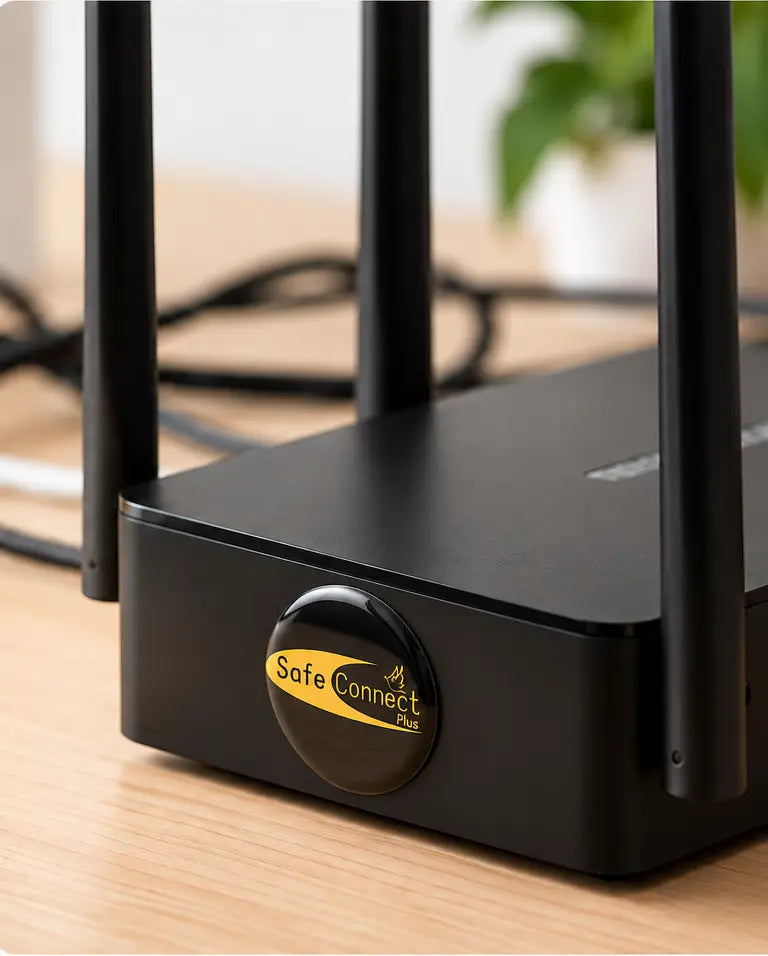


The Safe Connect Plus Mega Shield
A Compact Accessory for Your Everyday Workspace
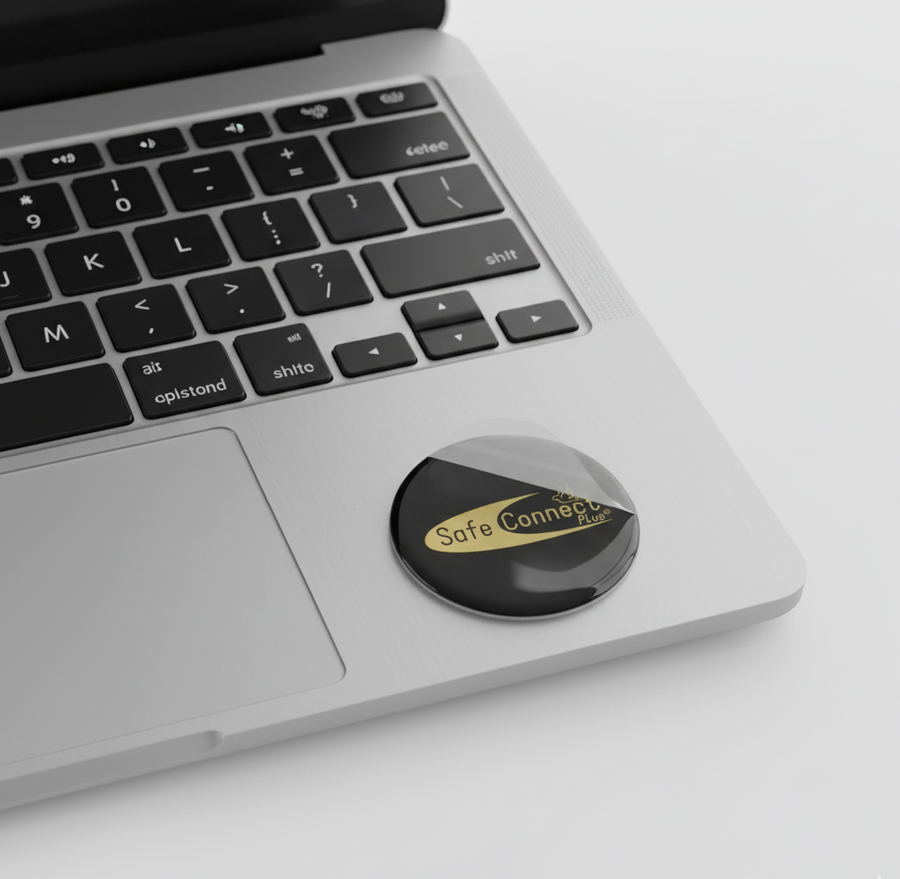
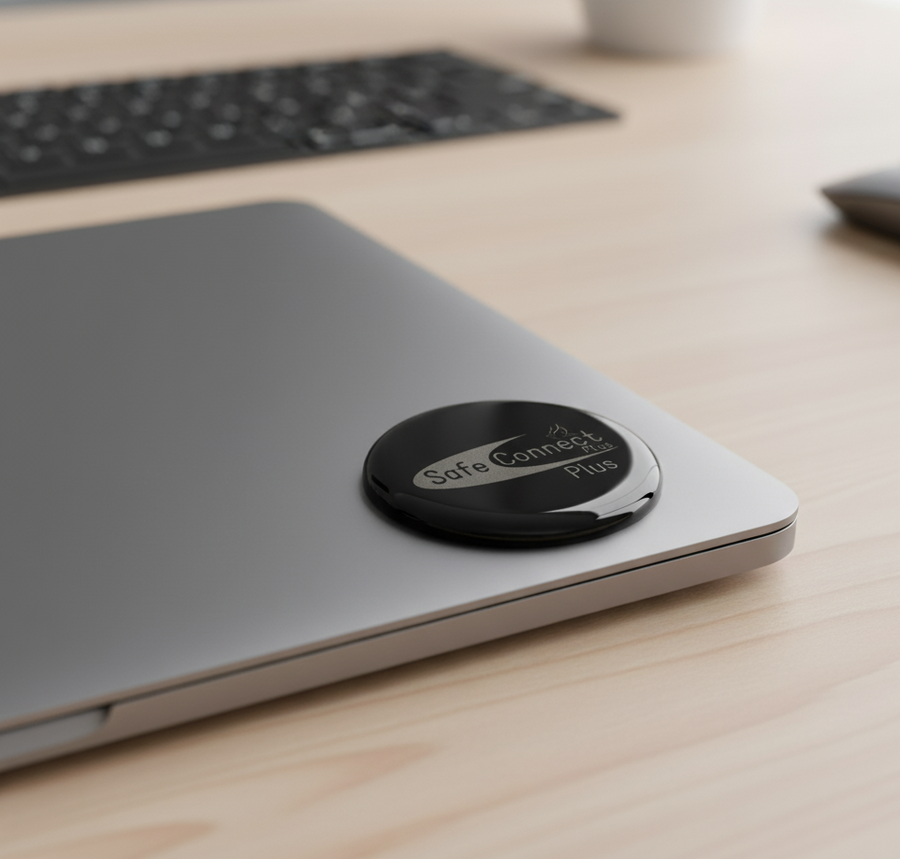
The Safe Connect Plus Mega Shield is a circular adhesive accessory available in several decorative finishes. Designed for compatible electronic devices, it provides a discreet way to personalize your laptop or computer setup.
-
Compact, low-profile circular design
-
Adhesive application
-
Multiple decorative colors and finishes
-
Designed for compatible electronic devices
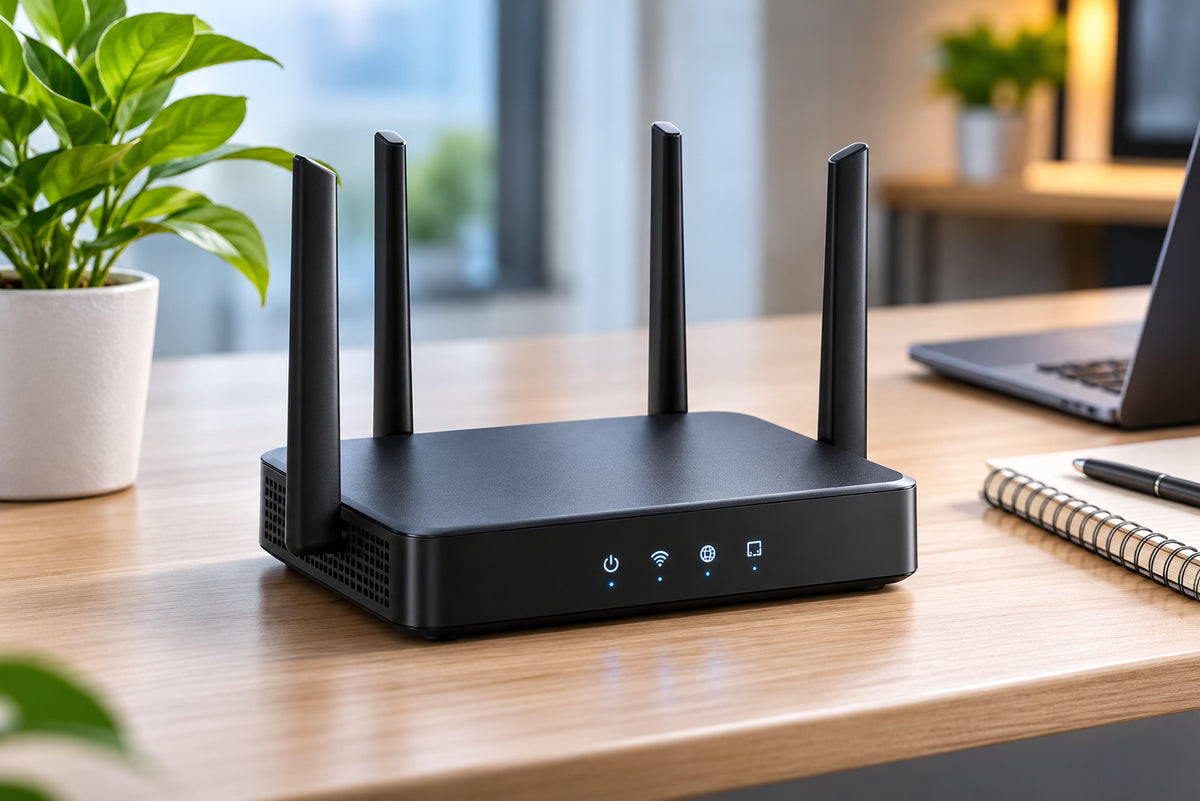
WI-FI ROUTER EMF GUIDE
Understanding EMF Protection for Wi-Fi Routers
Wi-Fi routers are a central part of many connected homes and workplaces. They communicate with devices using radiofrequency electromagnetic fields, commonly called RF-EMF. Understanding how routers operate and how different accessories are marketed can help you make more informed product decisions.
-
What Is EMF From a Wi-Fi Router?
Wi-Fi routers use radiofrequency signals to transmit data between your internet connection and compatible wireless devices. These signals are a form of non-ionizing electromagnetic radiation, which differs from higher-energy ionizing radiation such as X-rays.
-
Do Wi-Fi Routers Emit Radiation?
Yes. Wi-Fi routers emit radiofrequency energy during wireless communication. Exposure varies depending on factors such as distance, transmission activity, and the surrounding environment. The presence of RF emissions alone does not establish that a device is unsafe.
-
What Types of Wi-Fi Router EMF Products Are Available?
Products marketed for router EMF protection include physical shielding accessories and products described using proprietary frequency or resonance concepts. These approaches are not interchangeable, and their performance should be evaluated using appropriate testing rather than marketing descriptions alone.
-
What Should You Look for When Choosing a Wi-Fi Router EMF Product?
Consider the accessory's dimensions, installation instructions, compatibility with your router, and available testing documentation. Be cautious about products that promise radiation reduction or health benefits without credible supporting evidence.
More Mega Shield Designs to Explore
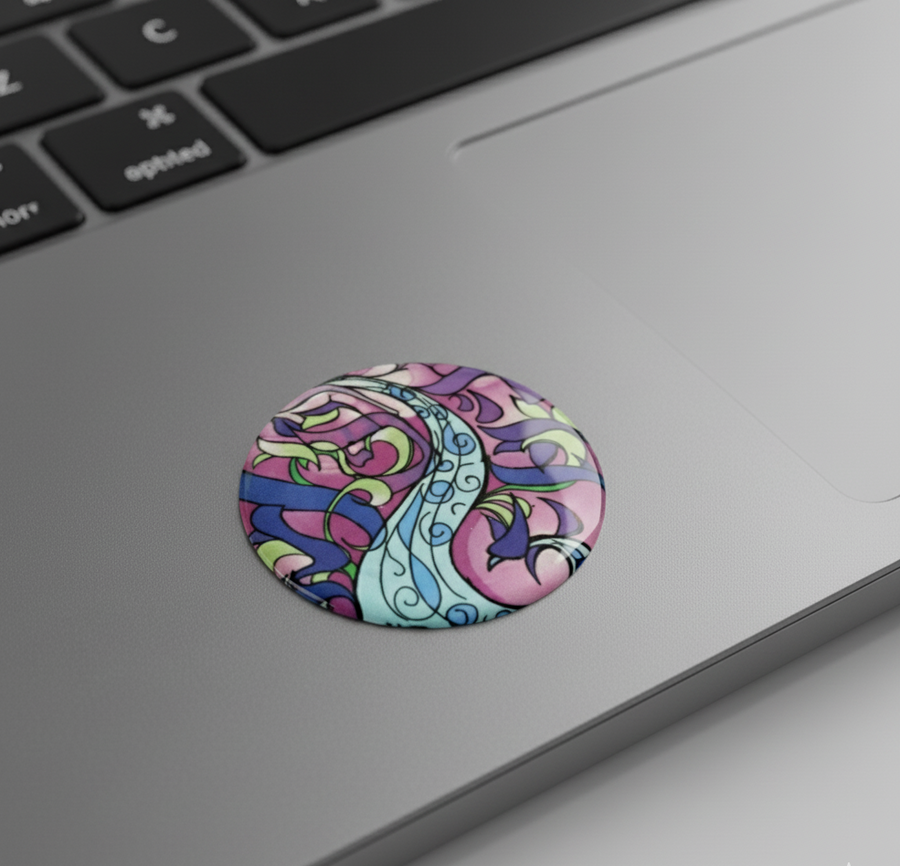
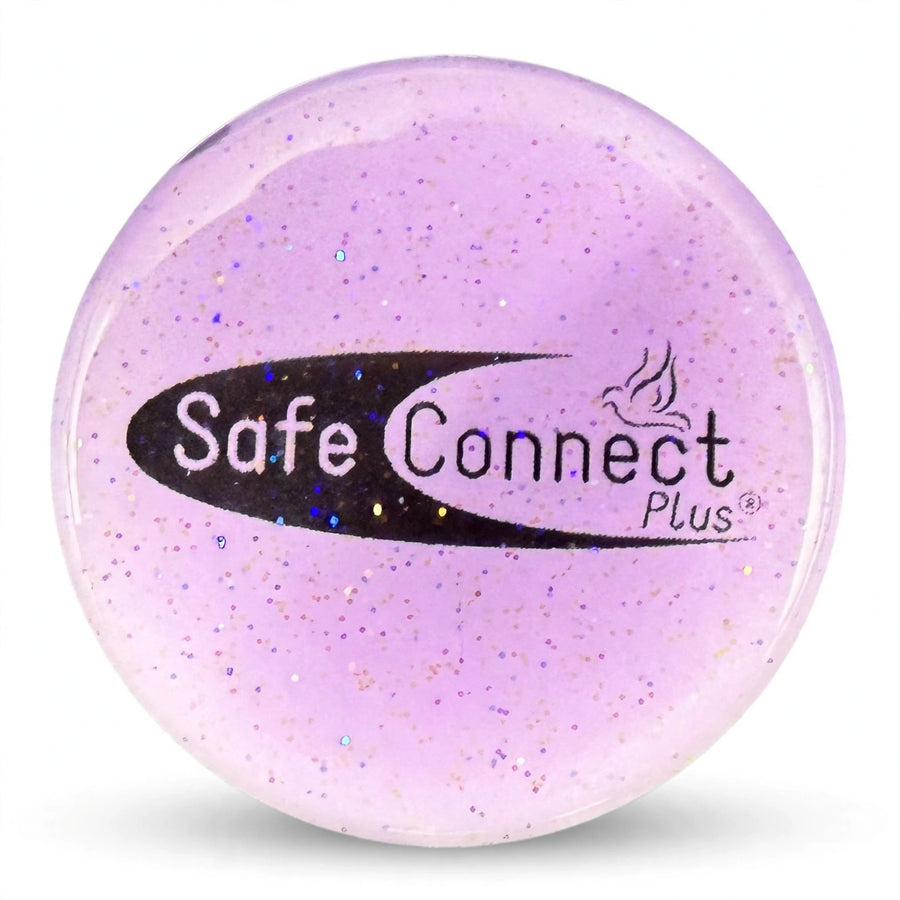
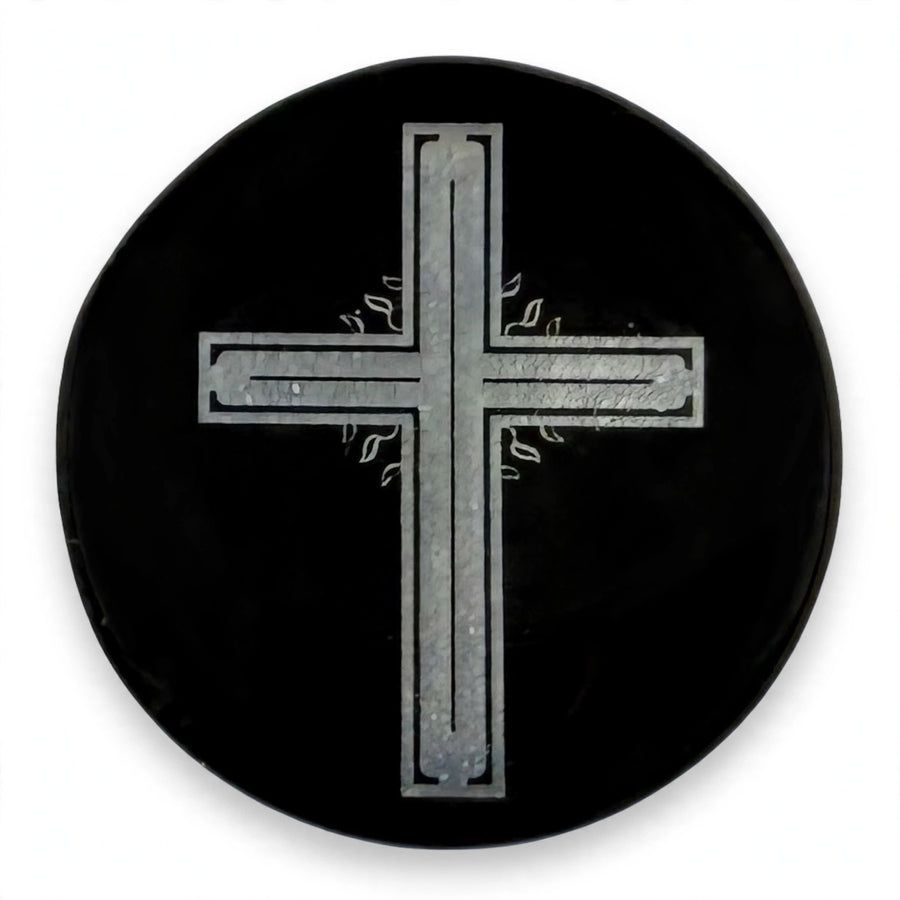
Discover additional Safe Connect Plus Mega Shield designs, featuring different colors, decorative patterns, and finishes.
Explore the collection to find an accessory that suits your laptop, desktop setup, or other compatible electronic device.




Simple installation
How to Apply a Mega Shield to Your Wi-Fi Router
-

Choose a location
Identify an appropriate flat surface on your compatible Wi-Fi router. Avoid vents, ports, indicator lights, and other functional components.
-

Prepare the surface
Clean and dry the intended application area according to the product instructions before attaching the accessory.
-

Apply the Mini Shield
Attach the Mega Shield according to the supplied installation guidance and check that it is securely positioned.


Our technology & research
Explore the Technology Behind Safe Connect Plus
Learn about the proprietary frequency and resonance concepts described by Safe Connect Plus, explore available research materials, and understand what testing can—and cannot—establish about product performance.
-
Research & Testing
Review available testing documentation and research information.
-
Our Approach
Explore the concepts behind the Safe Connect Plus product line.
-
Responsible Use
Understand product limitations and evidence-based expectations.

1. What is EMF protection for Wi-Fi routers?
EMF protection for Wi-Fi routers refers to products, accessories, or practices intended to manage exposure to radiofrequency electromagnetic fields (RF-EMF) emitted during wireless communication. These may include physical shielding accessories and products marketed using frequency or resonance concepts, such as Mega Shields. The effectiveness of different products varies, and any claims about reducing EMF exposure should be supported by credible, independent testing.
What is EMF protection for laptops and computers?
EMF protection for laptops and computers refers to products that are marketed for use with electronic devices in relation to electromagnetic fields (EMF). Different products use different approaches, and their intended functions and supporting evidence can vary. It’s important to review product information and available research to understand what a product is designed to do.
2. Do Wi-Fi routers emit electromagnetic radiation?
Yes. Wi-Fi routers emit radiofrequency electromagnetic radiation to communicate wirelessly with devices such as smartphones, laptops, and tablets. This radiation is non-ionizing, meaning it does not carry enough energy to ionize atoms or molecules like X-rays can. Wi-Fi exposure depends on factors such as distance, signal strength, and network activity. The presence of RF emissions does not automatically mean a device poses a health risk.
3. Can I use a Mega Shield with my Wi-Fi router?
Mega Shields are designed as accessories that may be attached to compatible electronic devices, including Wi-Fi routers, depending on the product's specifications. Before installation, check the dimensions, mounting requirements, and compatibility information provided by the manufacturer. Make sure the selected placement does not interfere with antennas, ventilation openings, ports, or indicator lights.
4. Where should I place a Mega Shield on my router?
Choose a clean, dry, flat surface on your Wi-Fi router that provides enough space for the Mega Shield to attach securely. Avoid covering ventilation openings, antennas, connection ports, buttons, or LED indicators. Follow the manufacturer's installation instructions and ensure the accessory is firmly attached. Placement should be based on compatibility and installation requirements rather than assumptions about EMF reduction.
5. Does a Mega Shield block Wi-Fi radiation or reduce EMF exposure?
Mega Shields are marketed as accessories associated with EMF protection and proprietary frequency or resonance concepts. However, these descriptions alone do not establish that a product blocks Wi-Fi radiation or reduces RF-EMF exposure. Such claims require credible testing under clearly defined conditions. Customers should review available technical documentation and avoid assuming that the accessory provides proven radiation reduction or health benefits without supporting evidence.
6. Can I use Mega Shields on other electronic devices?
Mega Shields may be suitable for use on other electronic devices if the manufacturer identifies those devices as compatible. Always review the product specifications and installation instructions before applying an accessory to smartphones, laptops, tablets, or other electronics. Avoid placing it over screens, cameras, sensors, charging ports, ventilation areas, or other functional components. Compatibility does not necessarily establish EMF-reduction performance.
Protect more of your devices
Explore EMF Protection for Other Devices
Safe Connect Plus offers EMF protection solutions for a variety of everyday devices.
Find the right product for your home, office, and on-the-go lifestyle.


